Identification of this unit
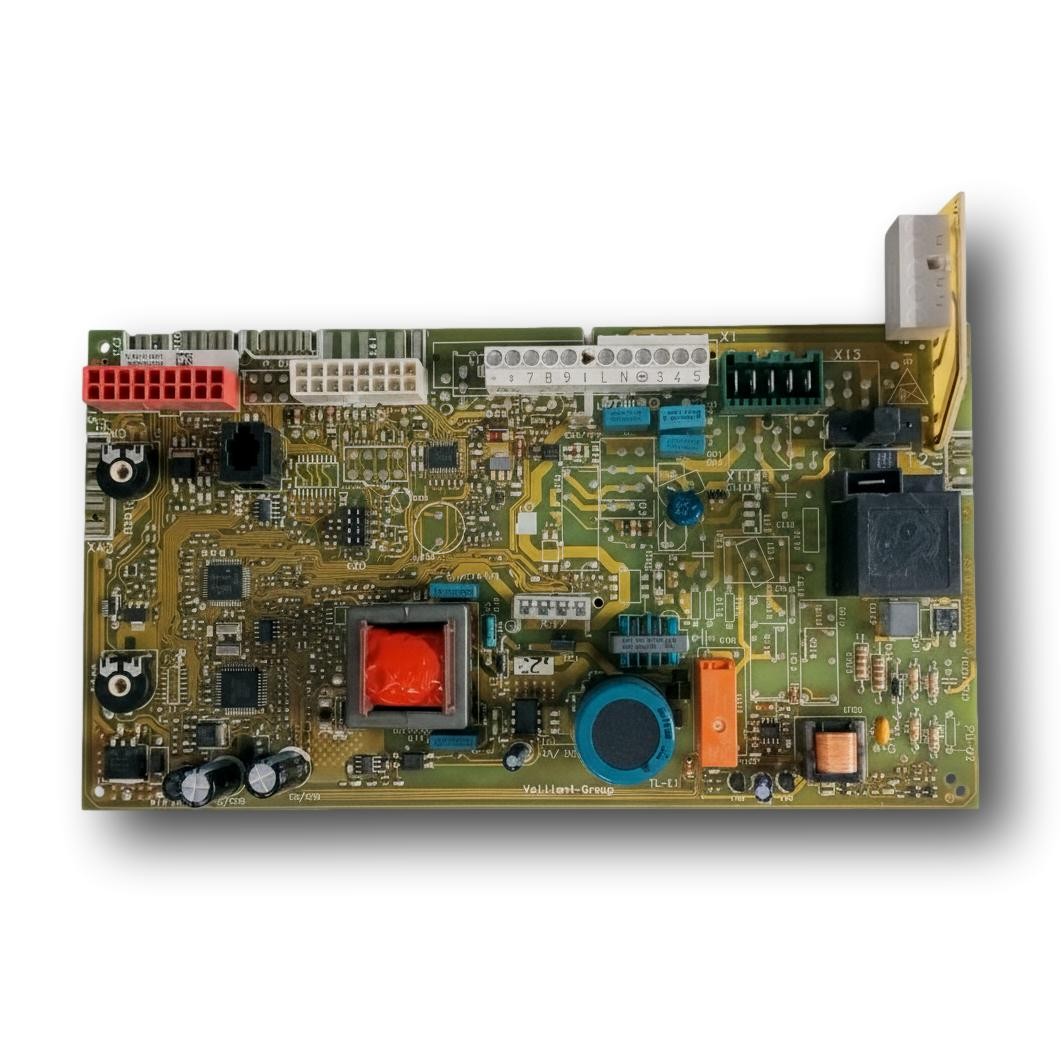
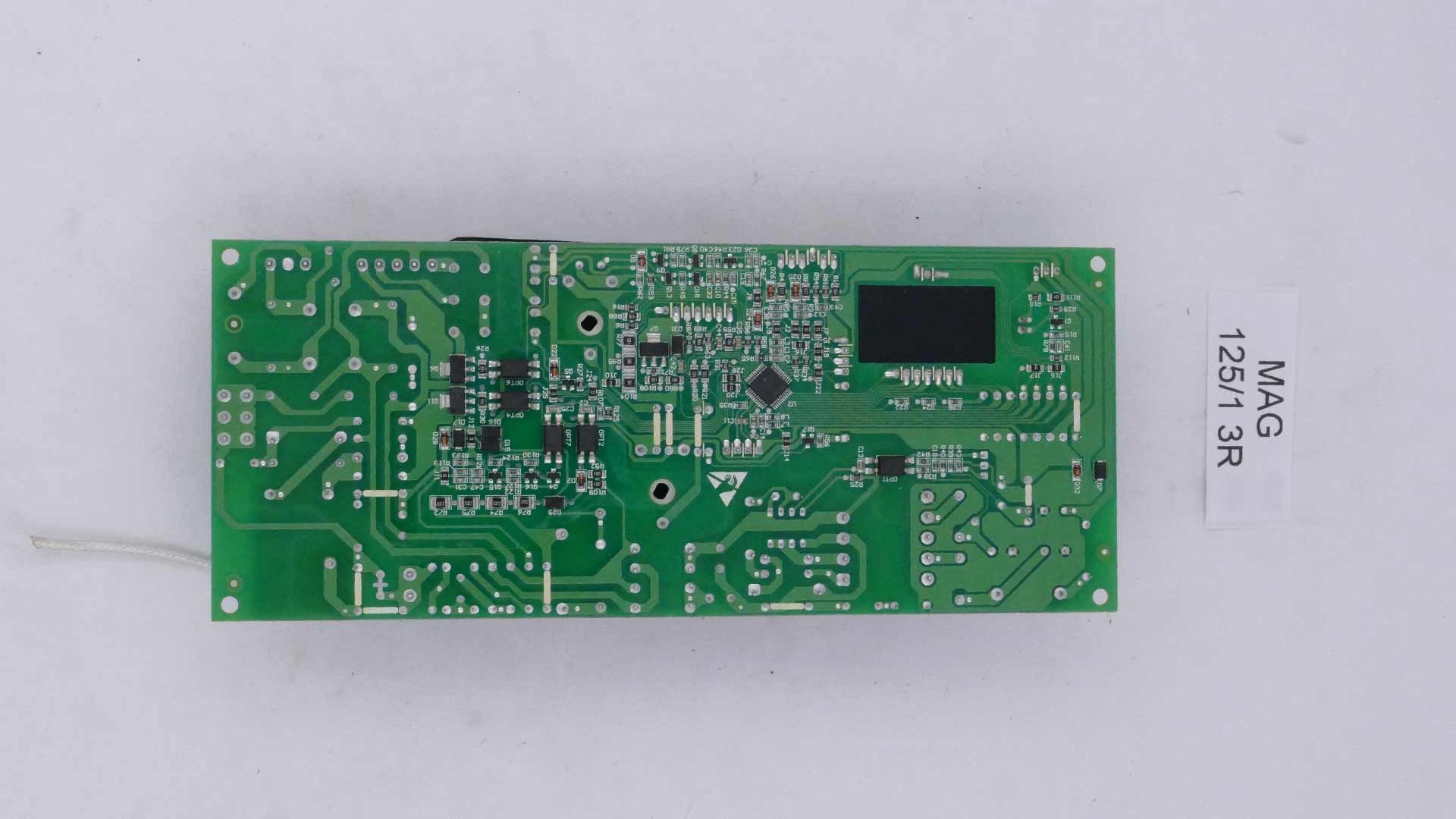
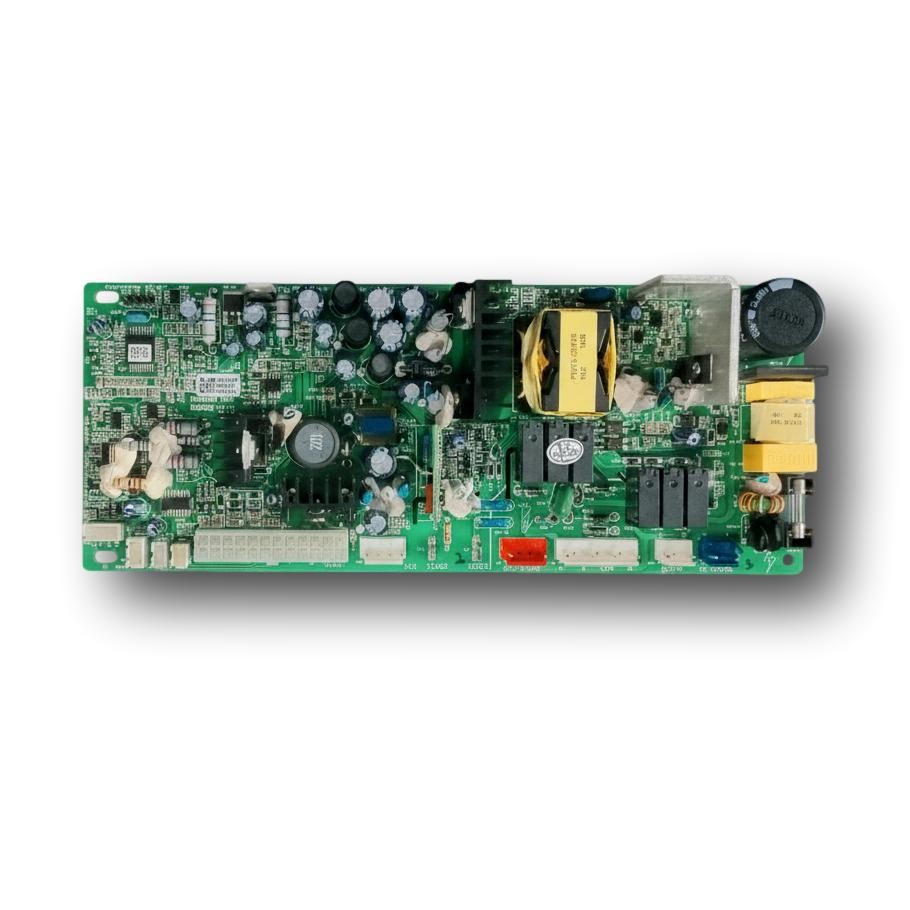
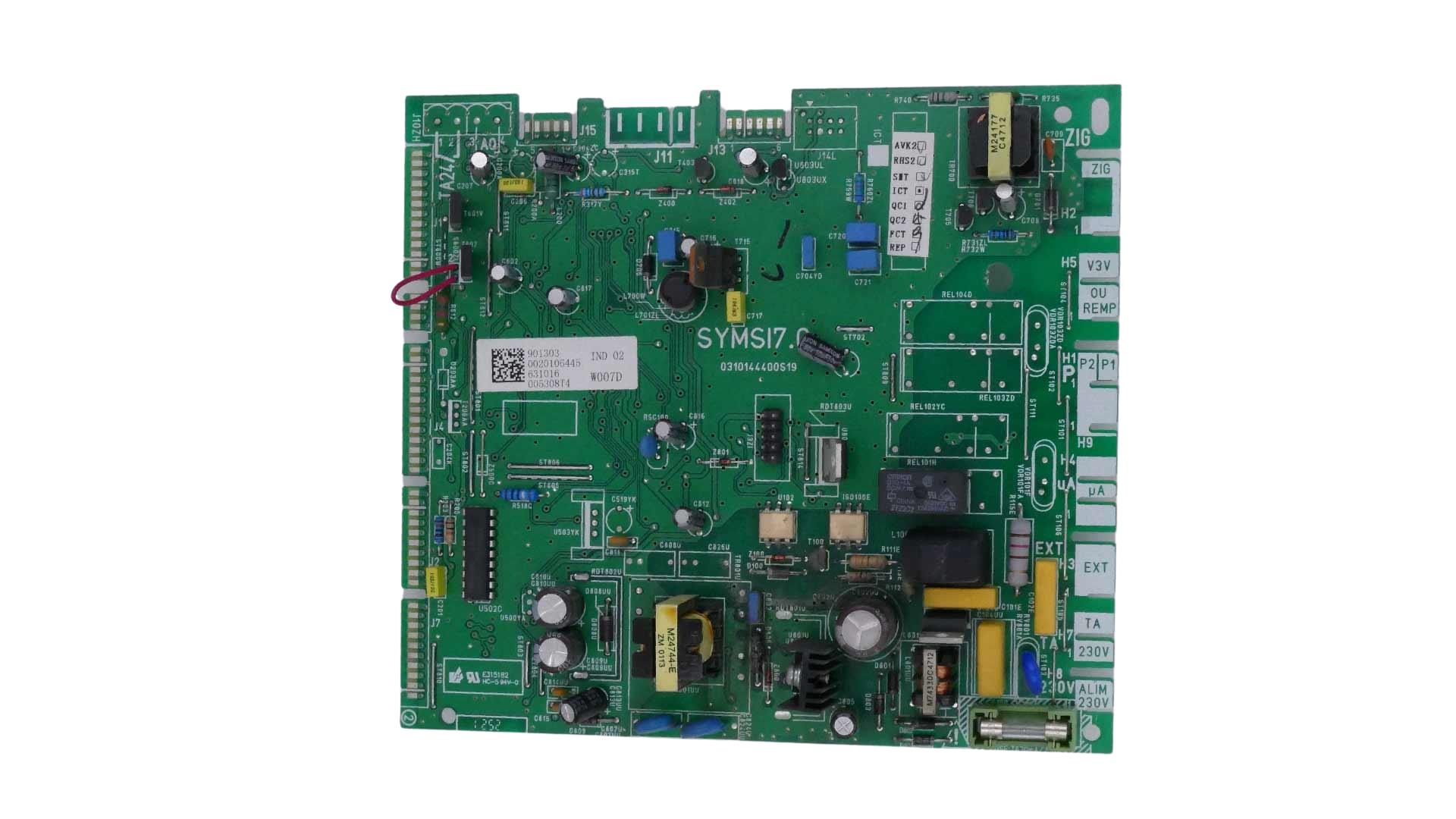
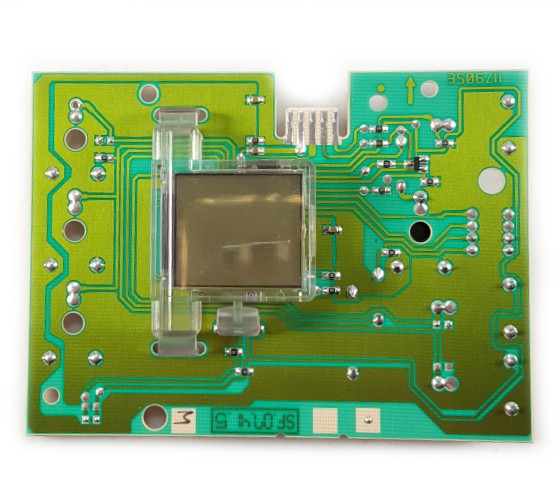
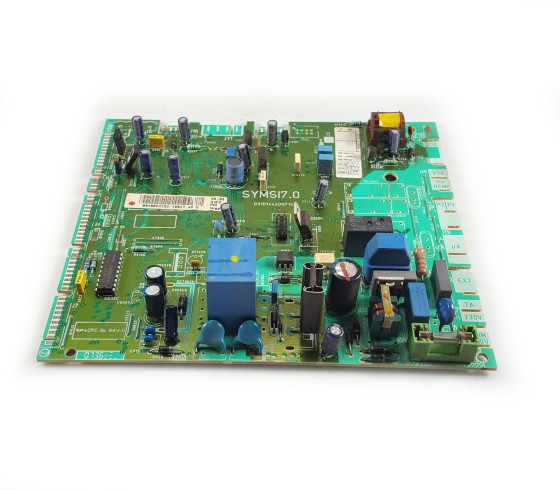
Check the front and its Connection; this is the Display handling, which must be distinguished from the PCB that controls the loads of the equipment.
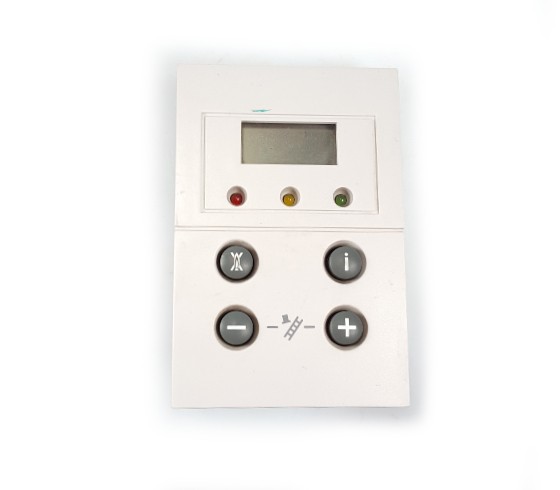
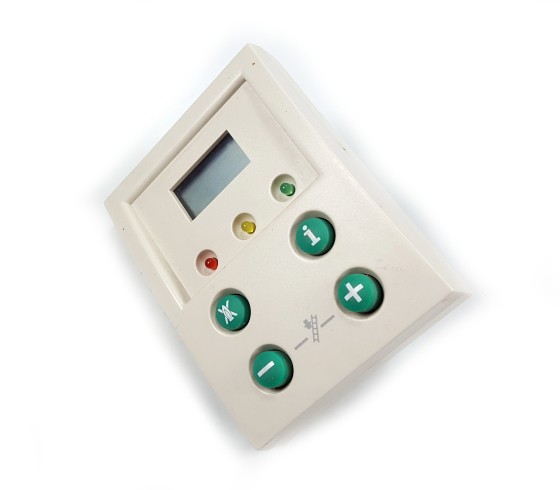
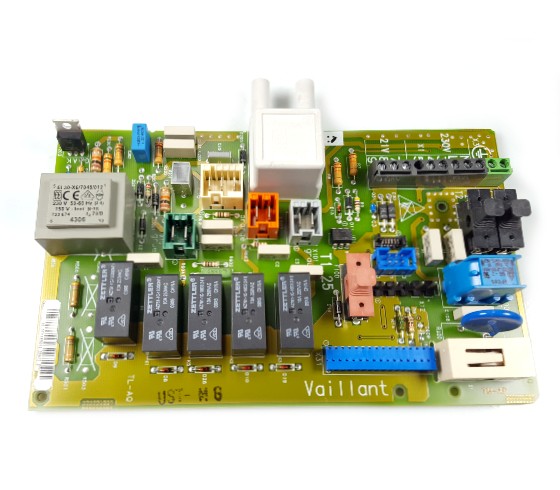
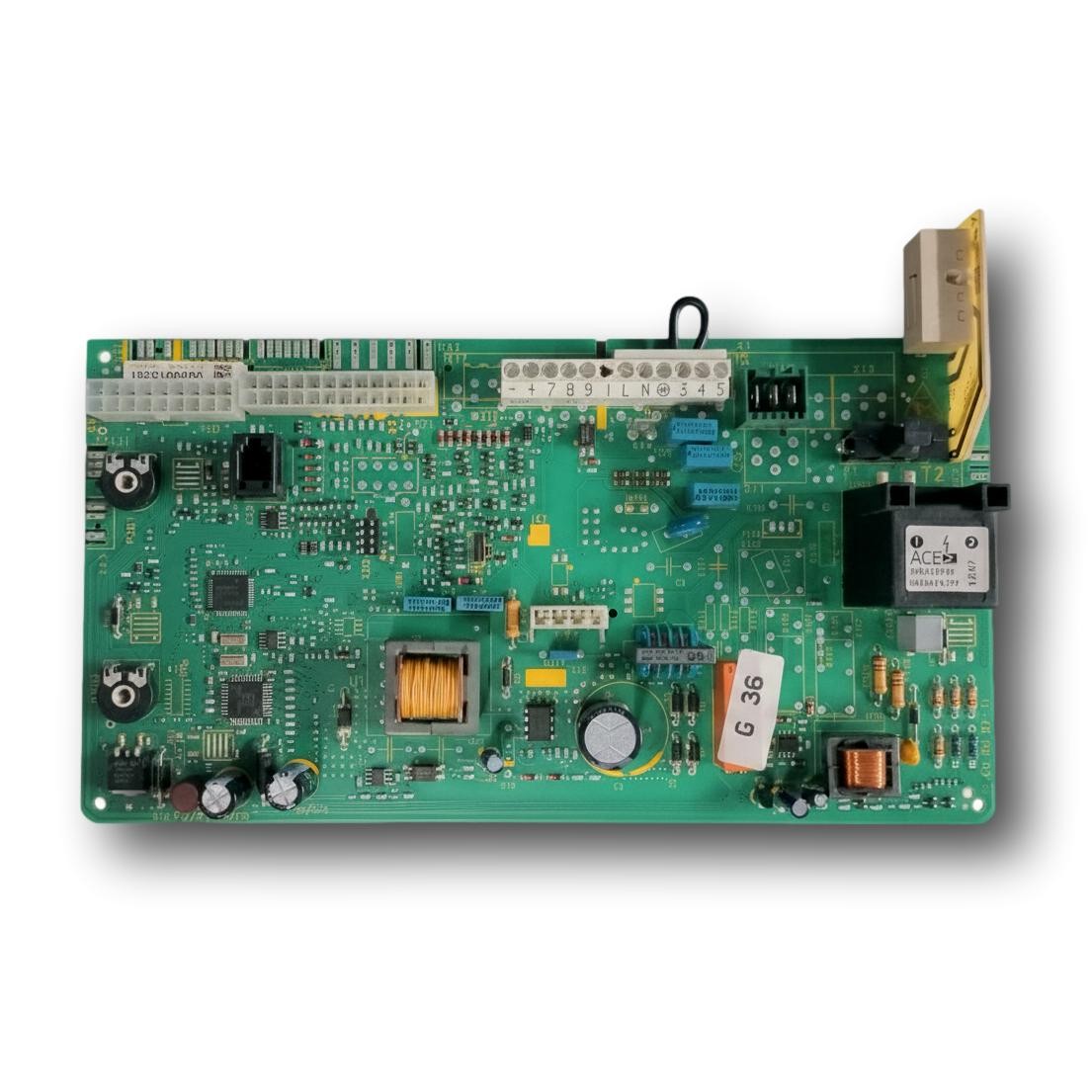
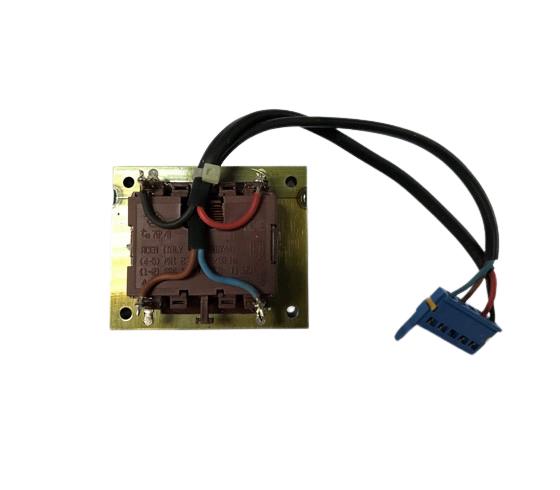
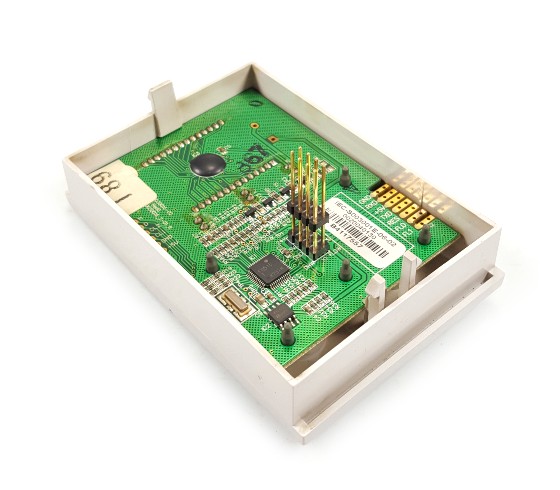
Electronic display Vaillant Ecotec Pro VMW ES 226-3-3. Spare part reconditioned. Contrast PCB code, its revision and connectors; sharing Boiler model is not enough to confirm equivalence. The photograph shows a clear front with Screen and Control knob buttons.
The Display allows you to read information and handle functions of the Boiler. Your Circuit, its front and the PCB principal can be different parts; identifying which is affected avoids ordering a Control board that does not correspond.
Choose a photo of your part to view it beside this unit. Compare the labels, connectors and mounting points from the same angle.
Your photo stays on your device: it is not sent or stored.
Application listed on this product page: Electronic display Vaillant Ecotec Pro VMW ES 226-3-3. The service reference in the parts diagram and identification of installed Part must match the appliance variant. The Boilers family name does not establish compatibility with other versions.
No models are documented for that search.
If identification does not match, consult before purchasing.
Check the front and its Connection; this is the Display handling, which must be distinguished from the PCB that controls the loads of the equipment.
If the Screen does not turn on, it is advisable to check its power and communication before attributing the failure to the Module itself.
We repair boilers in Madrid and the surrounding areas. Installation is arranged separately from the purchase of the part.
Not because it's electronic. Screen and controls form the user interface; the PCB principal may be in another Module. Check the cutout which Assembly your computer needs.
The photograph shows a clear front with Screen and Control knob buttons. Check the front and its Connection; it is the Display handling, which must be distinguished from the PCB that controls the loads of the equipment.